Remote access scams can begin as an offer to help you open an investment account. The caller asks you to install a support tool, share a code or show your banking screen. Before doing any of those things, establish who contacted you and why the task requires access to your device.
The Moment Help Becomes Control
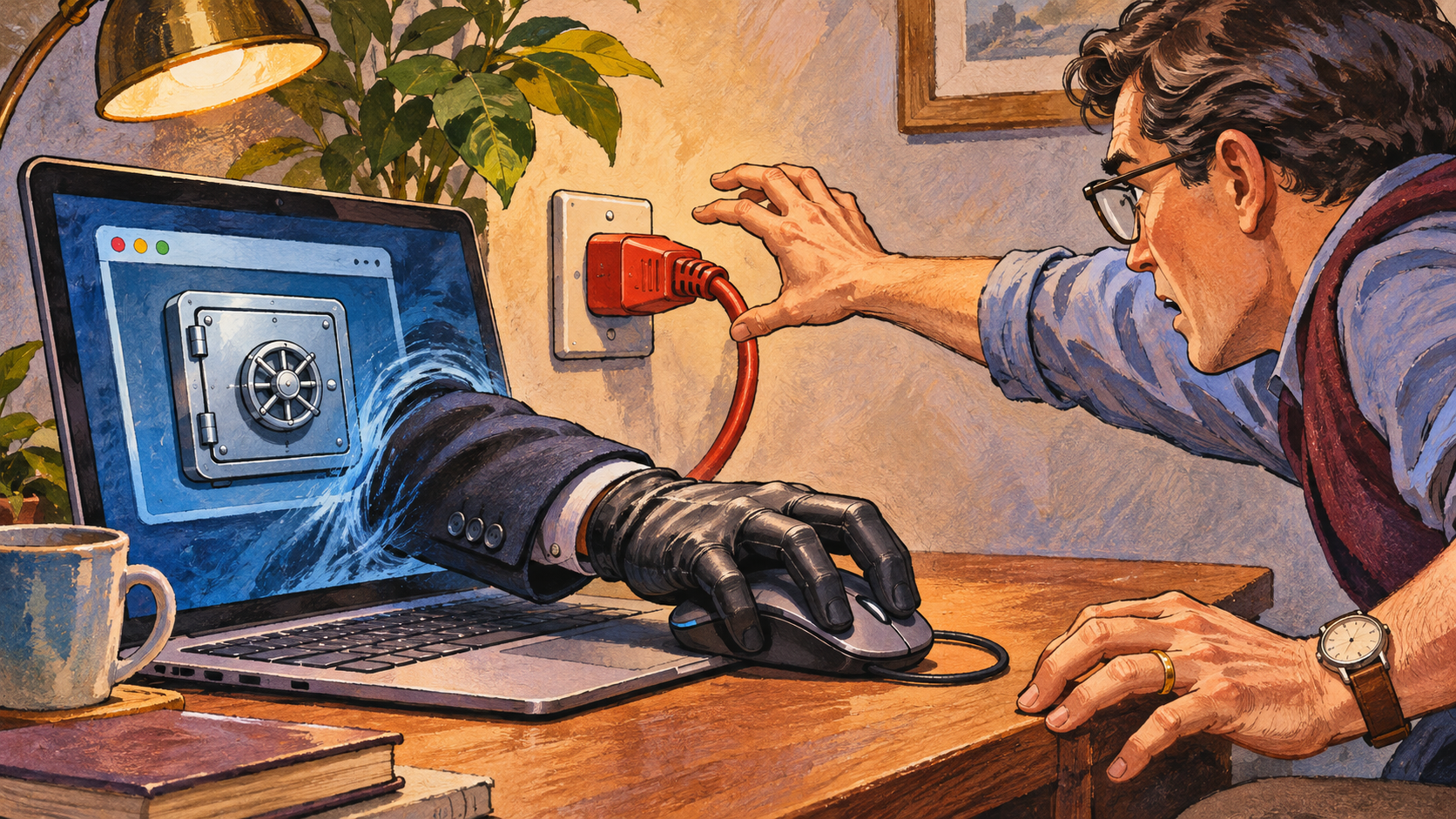
Imagine an adviser guiding you through a deposit. They say the process is easier if they move the mouse for you. A remote-control session can expose account details and permit actions beyond the explanation you expected. Even a view-only session may reveal balances, codes or personal information on screen.
Write down what the caller actually requested. Sharing a screenshot, sharing a live screen and granting remote control create different exposures. The response should reflect what happened, which accounts were open and whether the caller could interact with the device.
The FCA warns that screen-sharing requests can be used to obtain information or access accounts to move money. Its guidance is especially relevant when an investment contact introduces the software during a call. Read the FCA’s screen-sharing warning.
Verify the Caller to Interrupt Remote Access Scams
End the conversation and contact the claimed firm using independently located details. Ask whether it arranged the session, which employee is involved and what process it uses for customer support. A caller supplying a second number for their own “verification team” has kept you within the same source.
If the task concerns a bank or exchange account, contact that provider directly. Ask how to complete the step through its normal interface. A third party’s urgency does not establish that the provider requires remote access. Keep any reference number from the genuine support team.
A Familiar Tool Can Be Used Improperly
Remote-support software can serve legitimate purposes. Its brand name cannot authenticate the person asking you to use it. Focus on the requested access, the source of the instruction and the account activity that follows. The same tool can be used in very different circumstances.
In remote access scams, instructions may arrive alongside a profitable-looking dashboard or claims that an account must be unlocked immediately. Record the sequence. A request to hide the session from your bank, misdescribe a payment or dismiss a warning is especially important evidence of what the caller wanted you to do.
If the Session Is Still Active
End the remote session and disconnect the affected device from the network if necessary to stop continuing access. Use a separate trusted device or phone to contact the financial providers involved. Explain that a third party may have seen or controlled an authenticated session and ask what immediate account protections are appropriate.
Avoid conducting the recovery process while the unknown party remains connected. Do not let the same caller guide you through a supposed reversal. Preserve the software name, session time and any identifier you can safely record, without delaying contact with providers that may be able to respond to pending transactions.
Identify What Was Exposed
List the accounts open during the session and the actions you observed. Note whether a password manager, email inbox or verification code was visible. Tell official support if you typed a wallet recovery phrase or revealed an API secret. Those credentials can create access separate from the remote-support session.
For suspected remote access scams, ask a trusted technical support provider to assess the affected device and any persistent remote-access configuration. Simply closing the visible window may leave questions about installed access. Change exposed credentials through trusted devices and follow each provider’s guidance about active sessions and authentication.
Our crypto safety guide helps identify wallet-related access that may need its own response. That matters when a session involved both an exchange account and a self-custody wallet. Review wallet and account protection.
Document Payments Precisely
For each disputed payment, record the time, recipient and reference. Explain whether you entered the instruction, approved a prompt or observed the caller acting through remote control. Avoid guessing what happened behind the scenes. A factual account helps the provider assess the payment and your complaint.
Different payment routes have different review and reimbursement processes. Investorwatchdog’s chargeback guide explains why card disputes, statutory credit-card claims and bank-transfer fraud require separate analysis. Understand the payment-recovery routes.
Report the Contact as Well as the Transfer
Include the original phone number or message account, claimed firm and software download instruction. Remote access scams may use one identity for the introduction and another for the payment request. Connecting those stages gives investigators a clearer account of the approach.
Use the reporting guide to organise a timeline while keeping passwords, private keys and unrelated personal information out of submitted copies. Prepare a clear incident report.
Keep a safe record of the session time and the instructions you received. In remote access scams, that sequence helps separate activity you intended from actions the caller introduced. Give the provider the original facts even if you felt pressured to follow along.
A Rule for Future Remote Access Scams
An unsolicited investment caller should never become the person controlling your banking session. Pause the interaction, independently reach the real provider and complete necessary account tasks through its verified process. That preserves a clear boundary between advice and access to your money.